Project management home
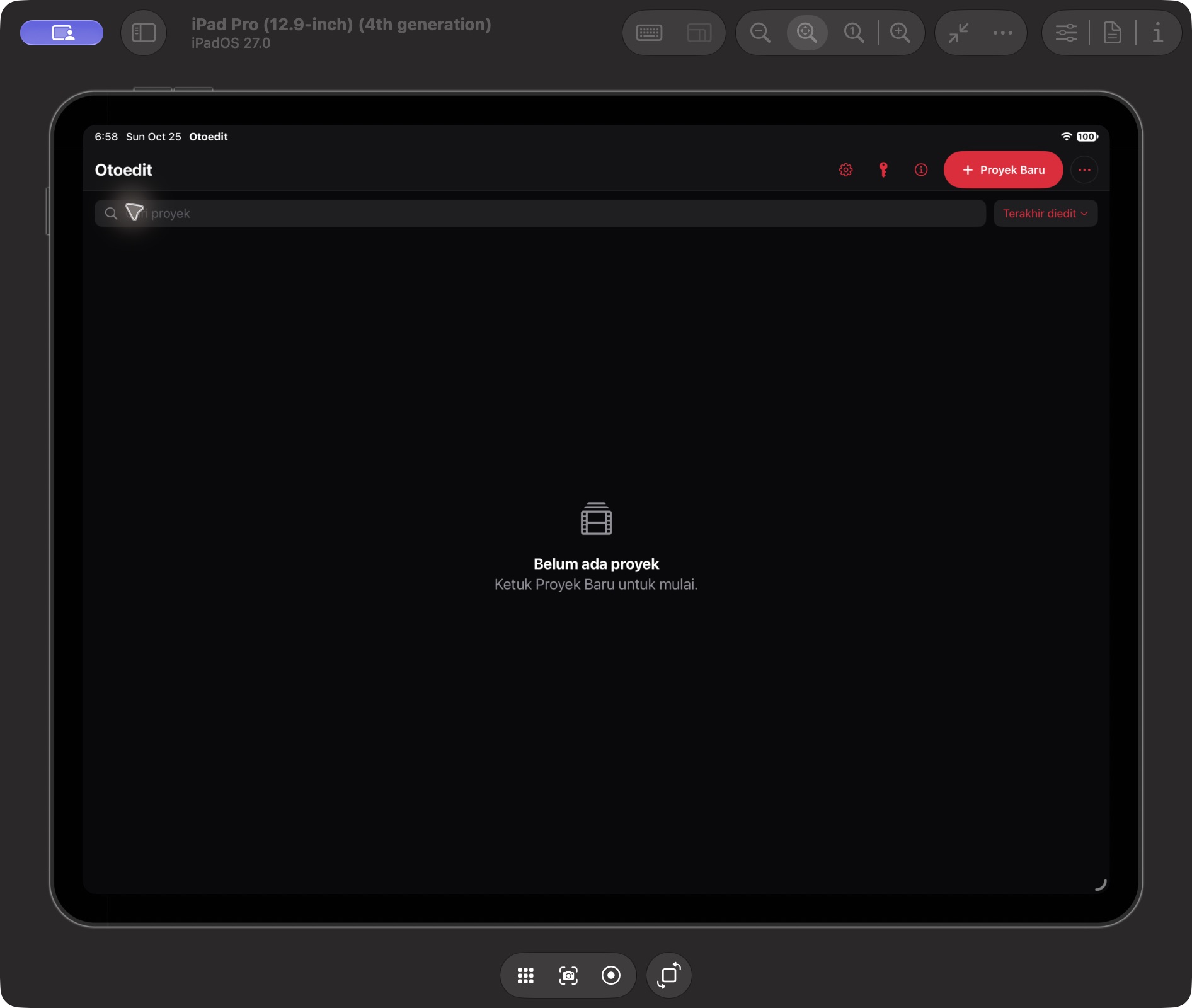
The home opened successfully. New Project, search, Last Edited sorting, Settings, API Key, and Info are visible. Saving and reopening projects were not retested in this documentation session.
Start at the project home, then explore a workspace with a timeline, Text & Subtitles, Visual & Motion, and Creator Tools. See real Build 138 screens and navigation guides matching the app.
The Build 138 interface, with clear verification status.
The home opened successfully. New Project, search, Last Edited sorting, Settings, API Key, and Info are visible. Saving and reopening projects were not retested in this documentation session.
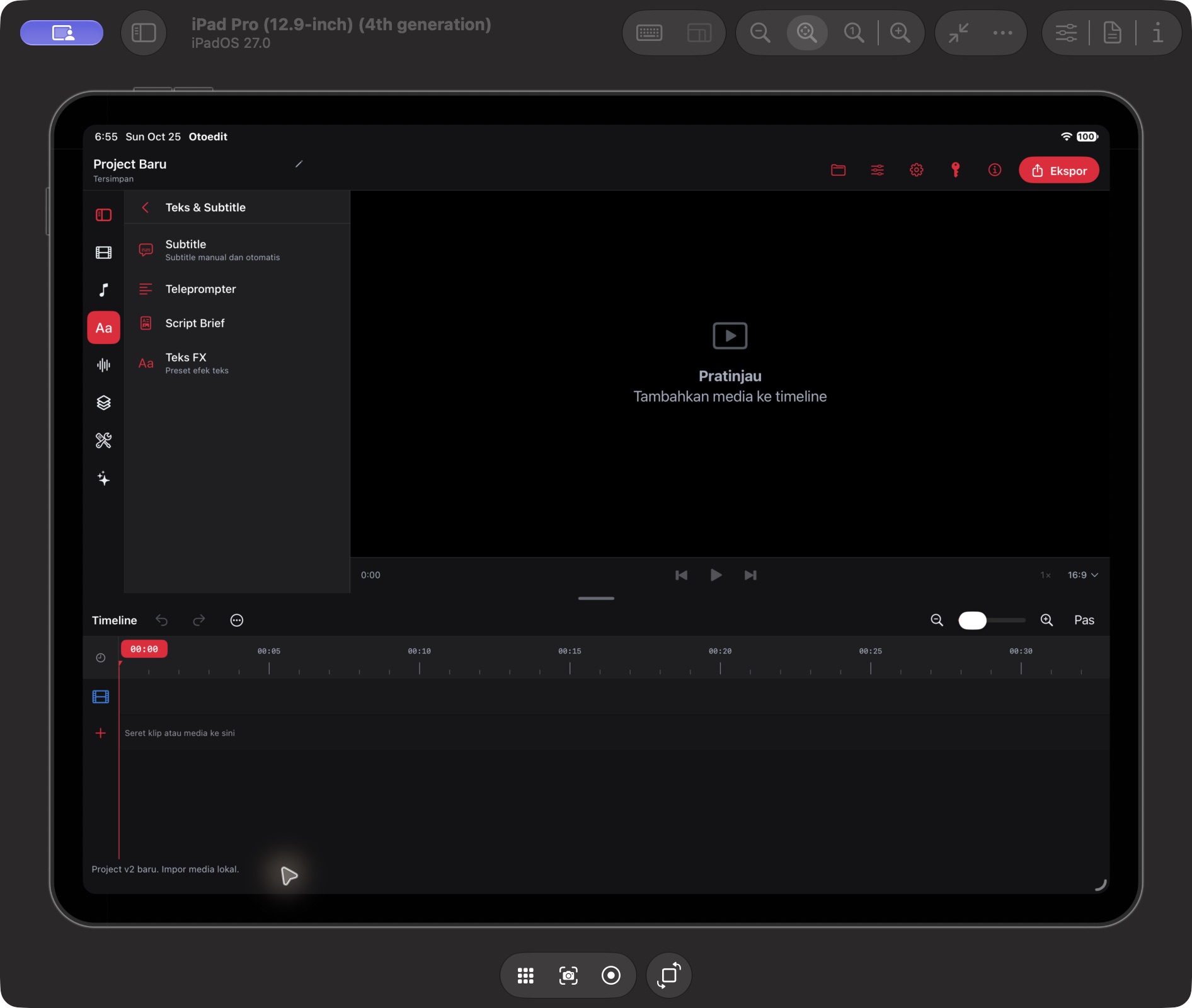
The category opened with Subtitle, Teleprompter, Script Brief, and Text FX. Cue creation, transcription, and AI outputs were not tested in this session.
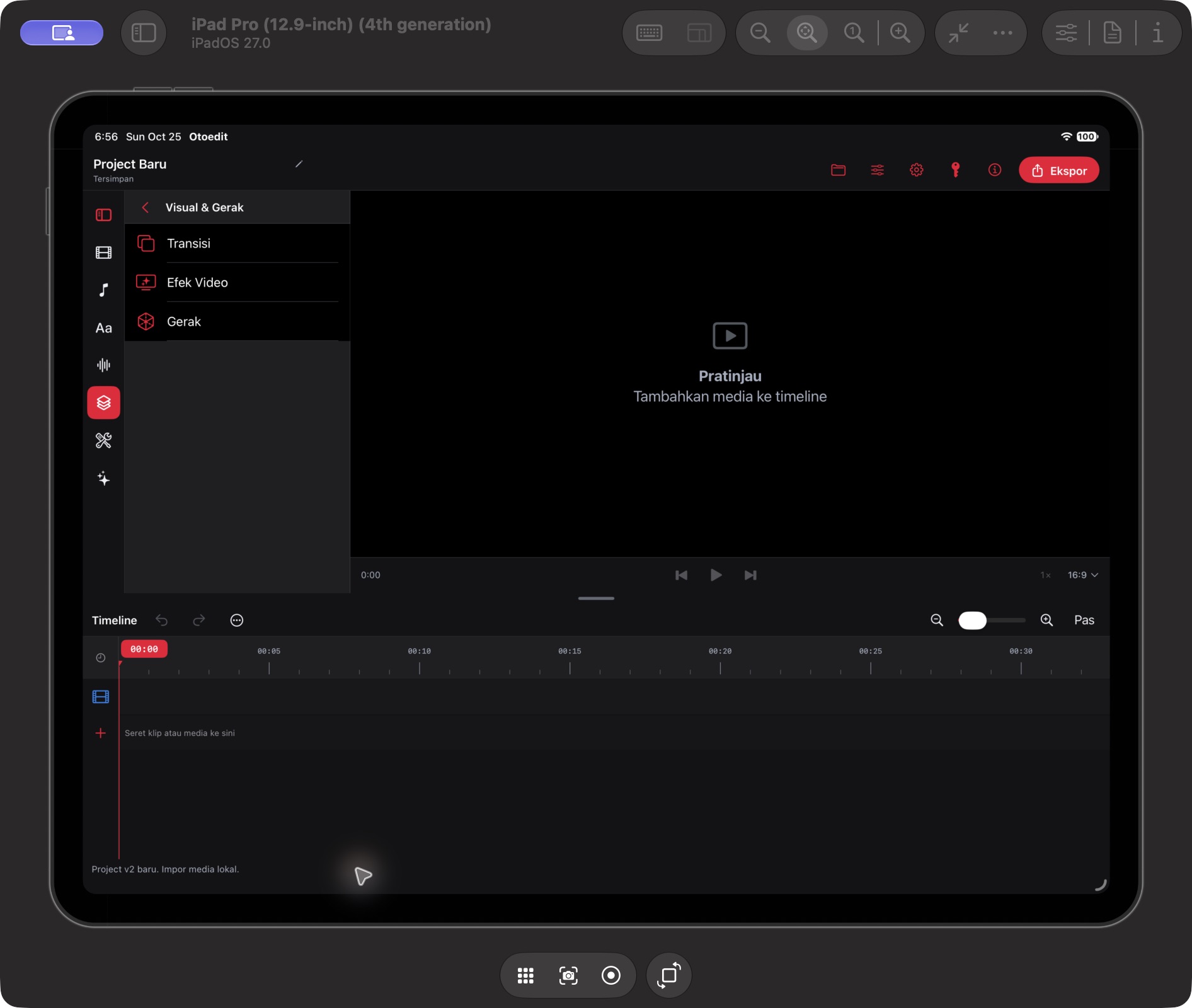
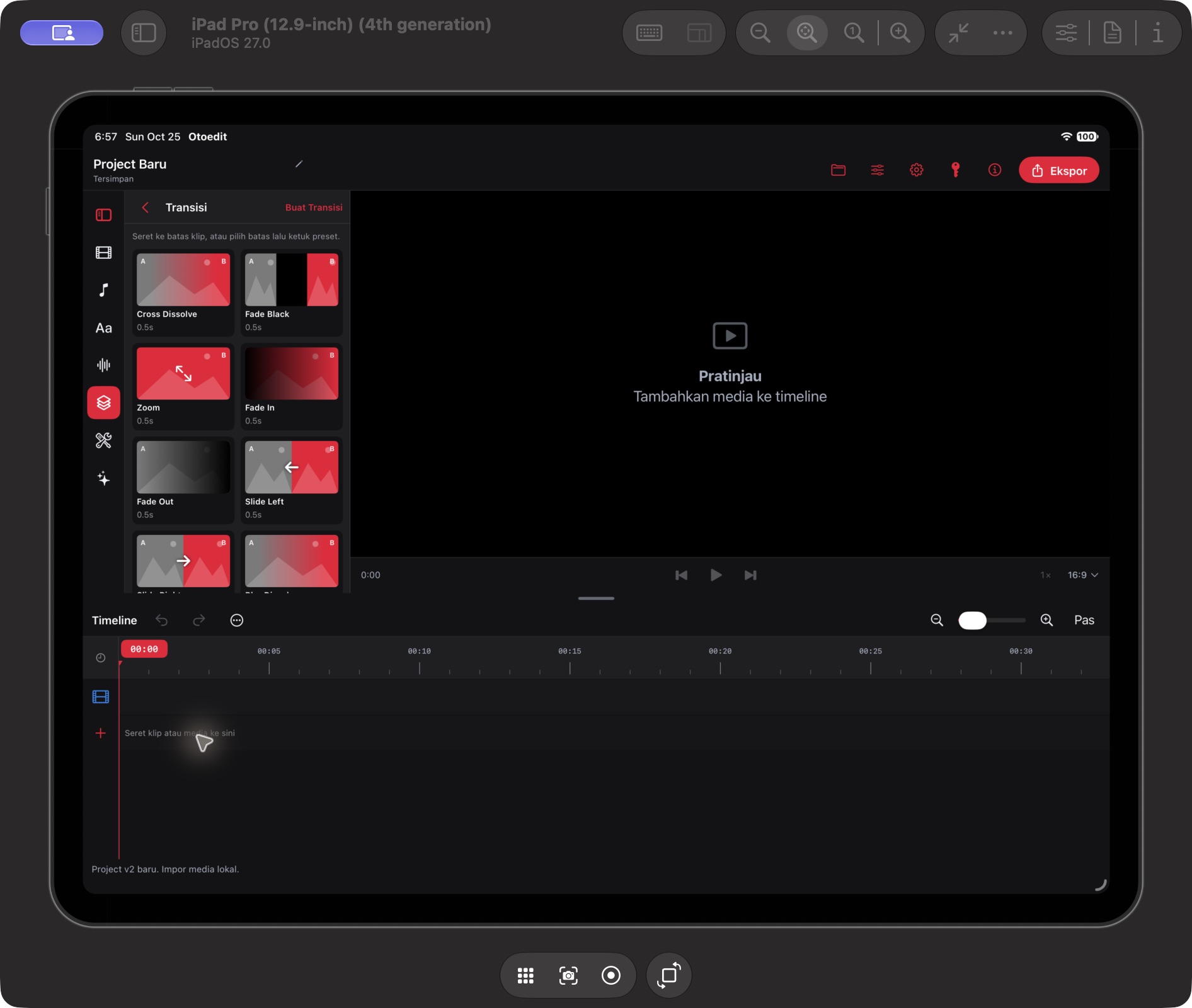
Cross Dissolve, Fade Black, Zoom, Fade In, Fade Out, and Slide Left presets appear alongside Create Transition. Applying to clips and rendering were not tested.
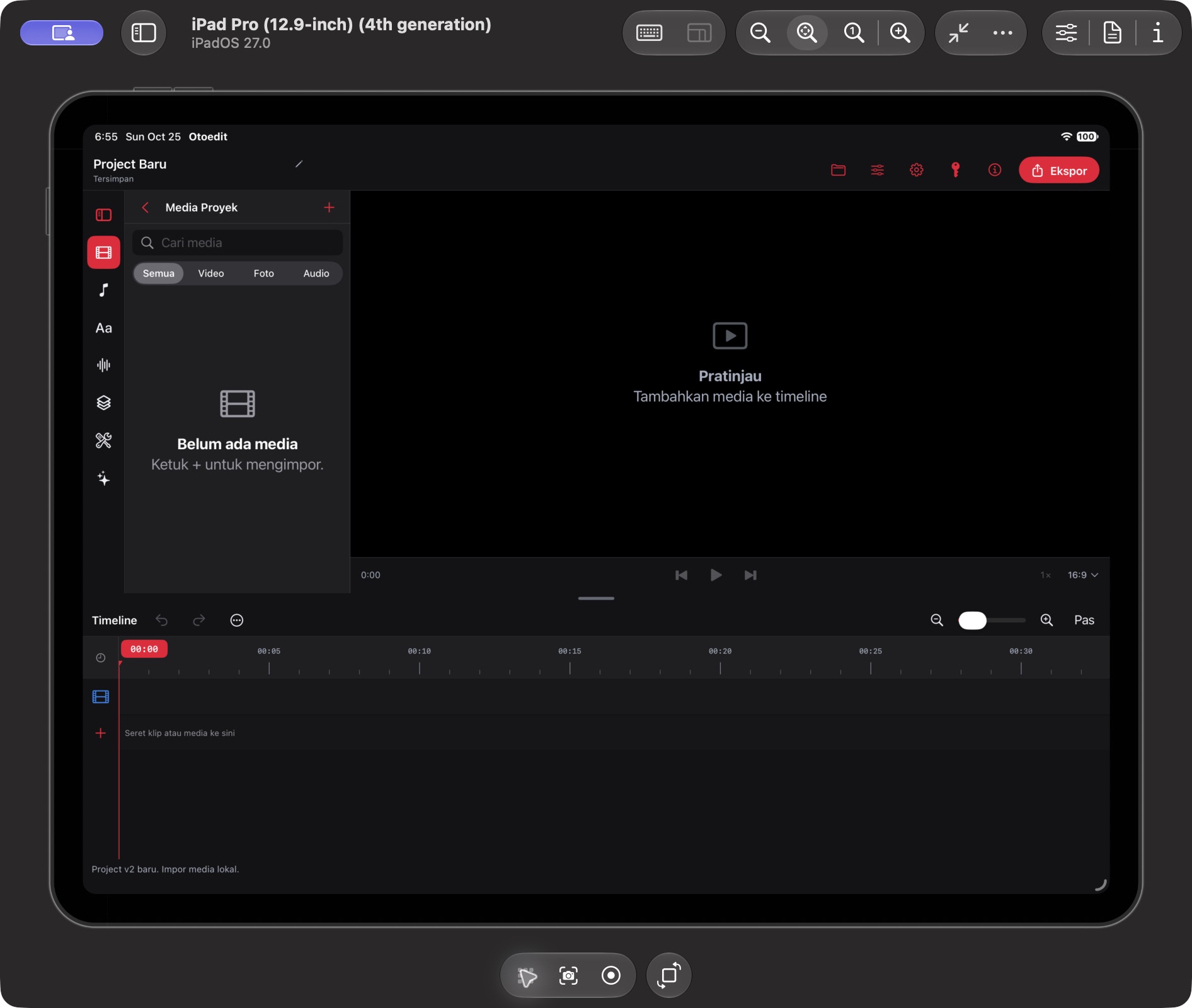
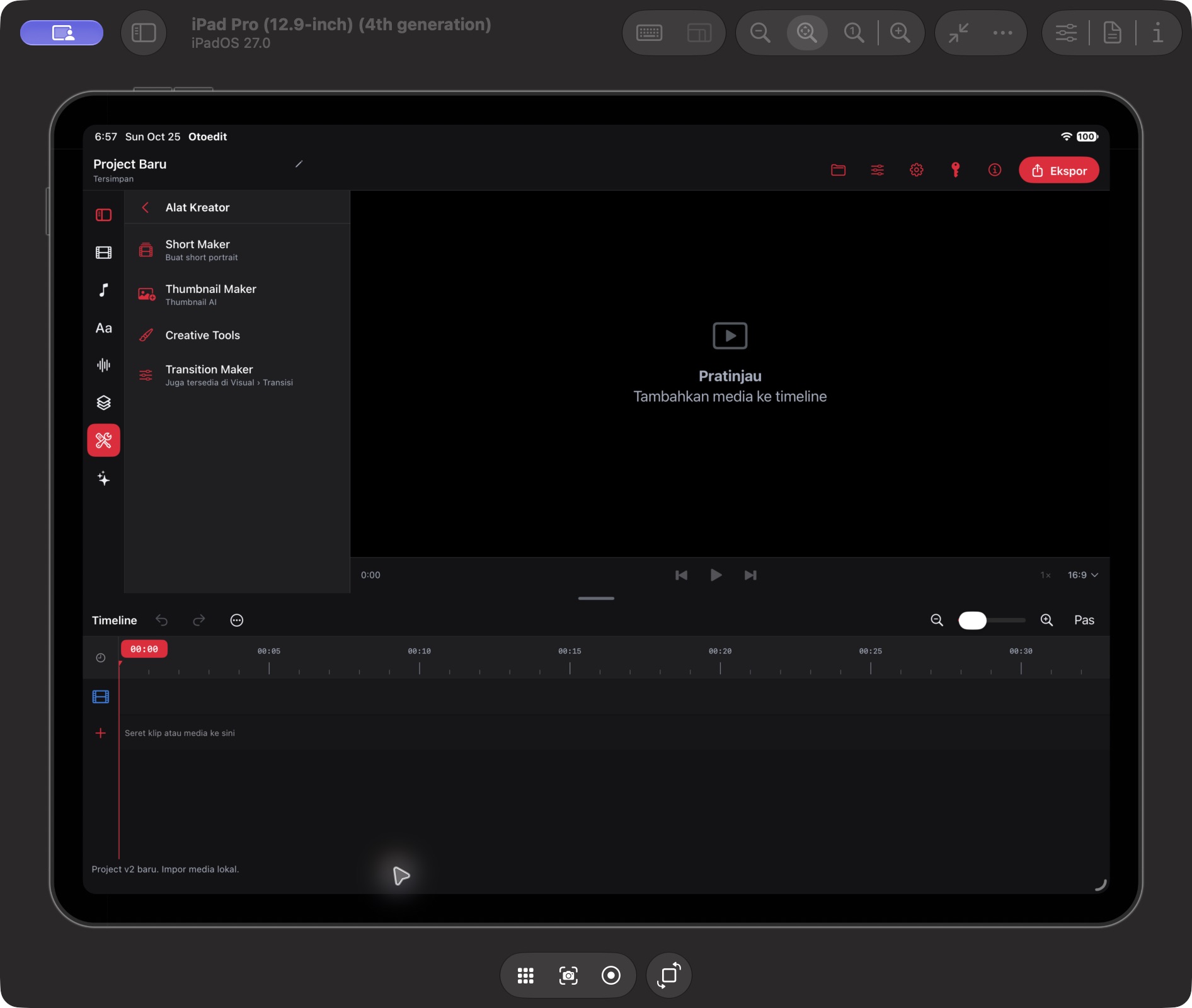
Six original captures from an iPad Pro 12.9-inch, 4th generation, running iPadOS 27.0. Only the iPad is shown; the simulator window and toolbars are cropped out. The project is empty; playback and export were not tested in this session.
Explore Otoedit for macOS, including purchases, accounts, licenses, and downloads.
Explore the Mac version ↗