Project management home
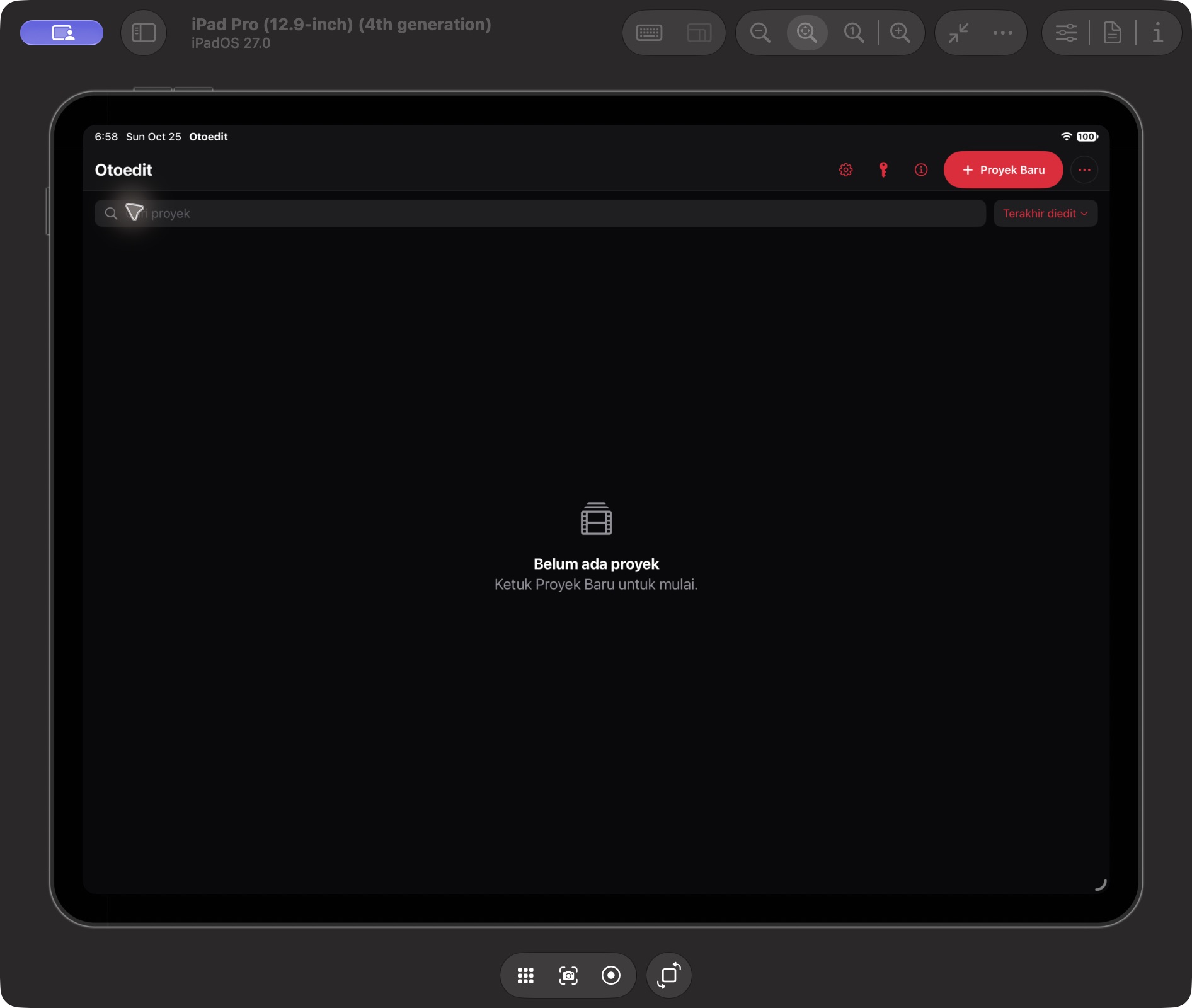
The home opened successfully. New Project, search, Last Edited sorting, Settings, API Key, and Info are visible. Saving and reopening projects were not retested in this documentation session.
Based on the Build 138 interface and its source notes. An opened panel does not mean every feature output has been tested.
The home opened successfully. New Project, search, Last Edited sorting, Settings, API Key, and Info are visible. Saving and reopening projects were not retested in this documentation session.
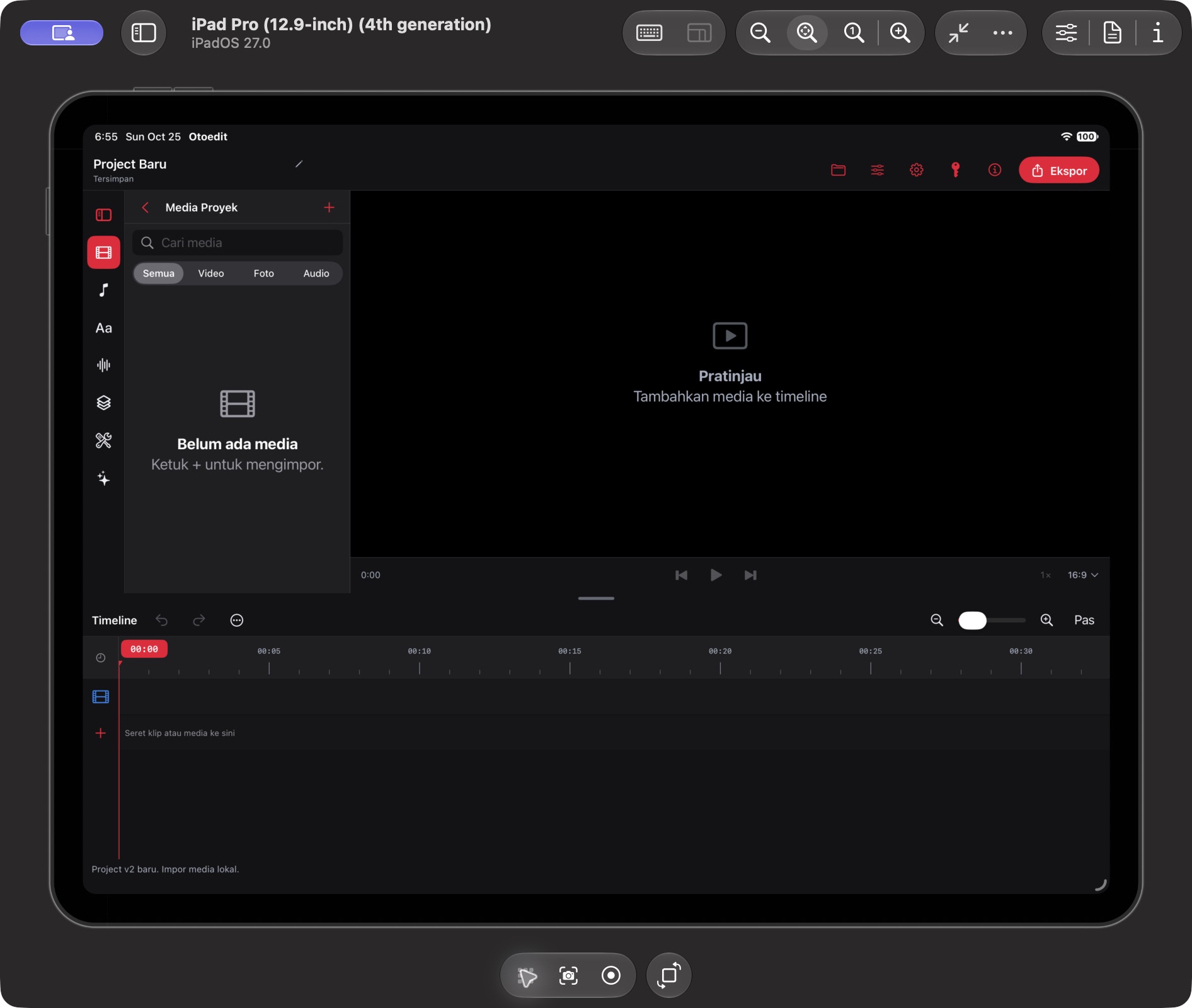
Project Media, preview, timeline, and toolbar are visible. Sidebar groups include Media, Music & SFX, Text & Subtitles, Audio & Voice, Visual & Motion, Creator Tools, and Assistant.
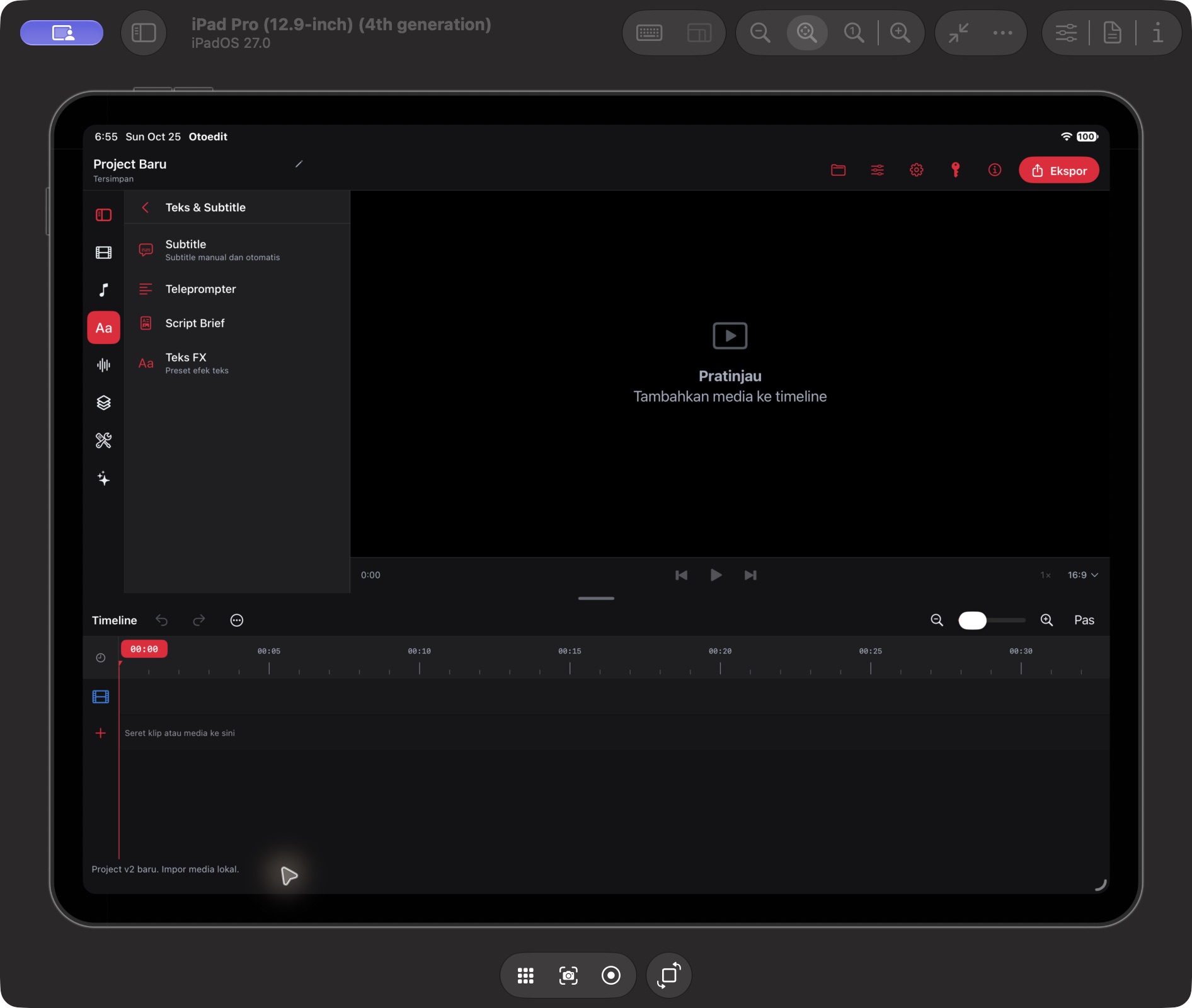
The category opened with Subtitle, Teleprompter, Script Brief, and Text FX. Cue creation, transcription, and AI outputs were not tested in this session.
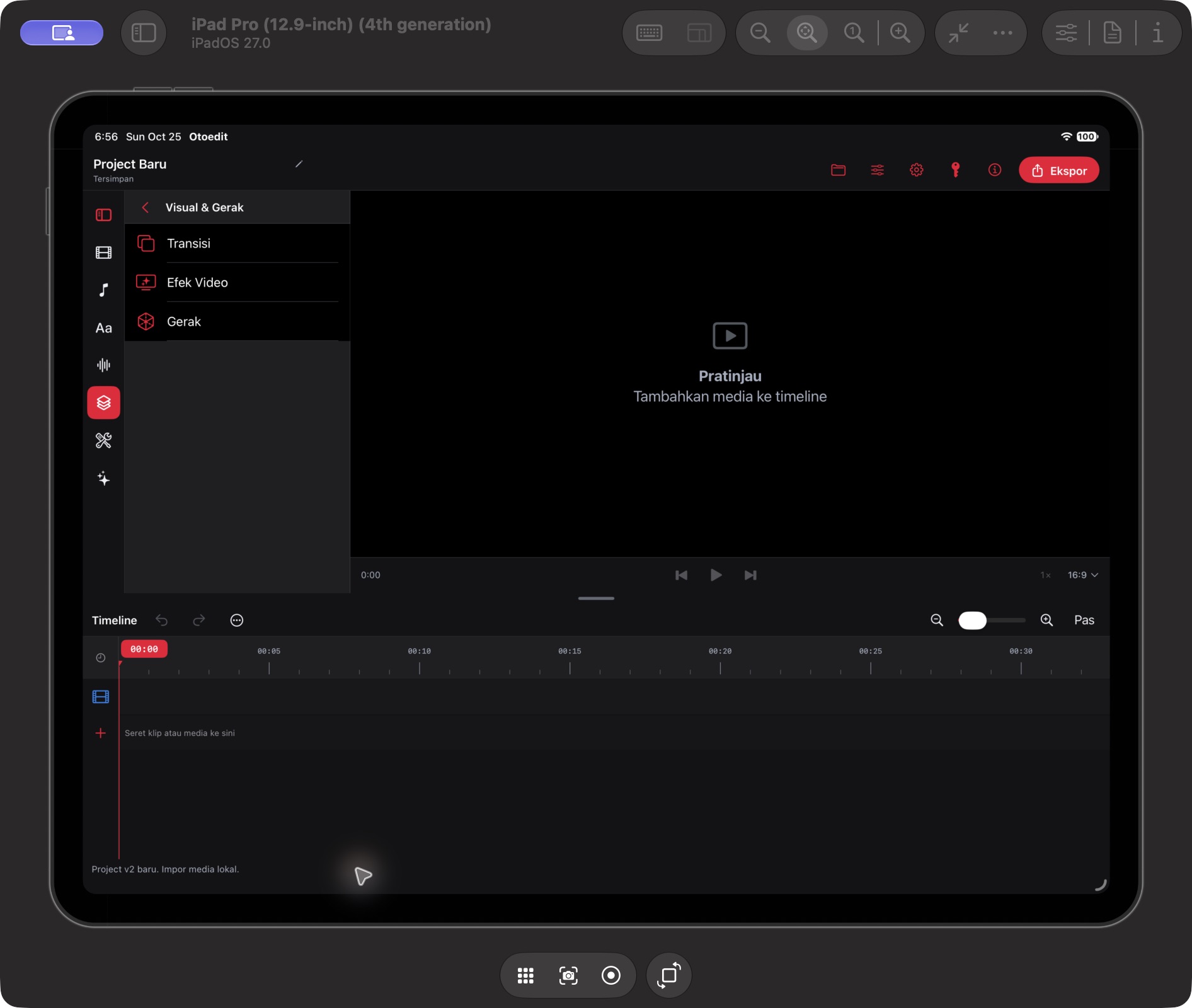
The category shows Transitions, Video Effects, and Motion. The transition catalog also opened successfully.
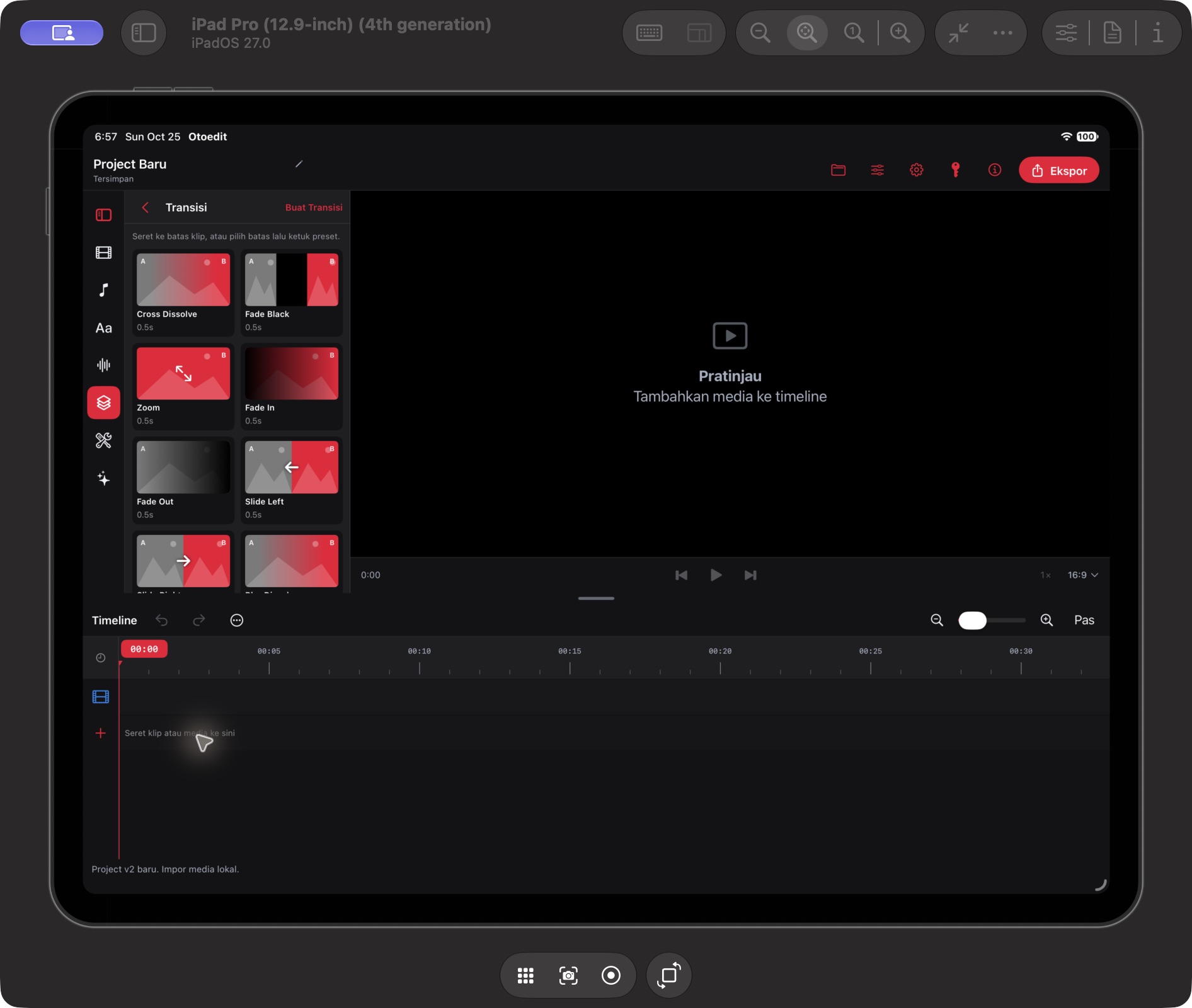
Cross Dissolve, Fade Black, Zoom, Fade In, Fade Out, and Slide Left presets appear alongside Create Transition. Applying to clips and rendering were not tested.
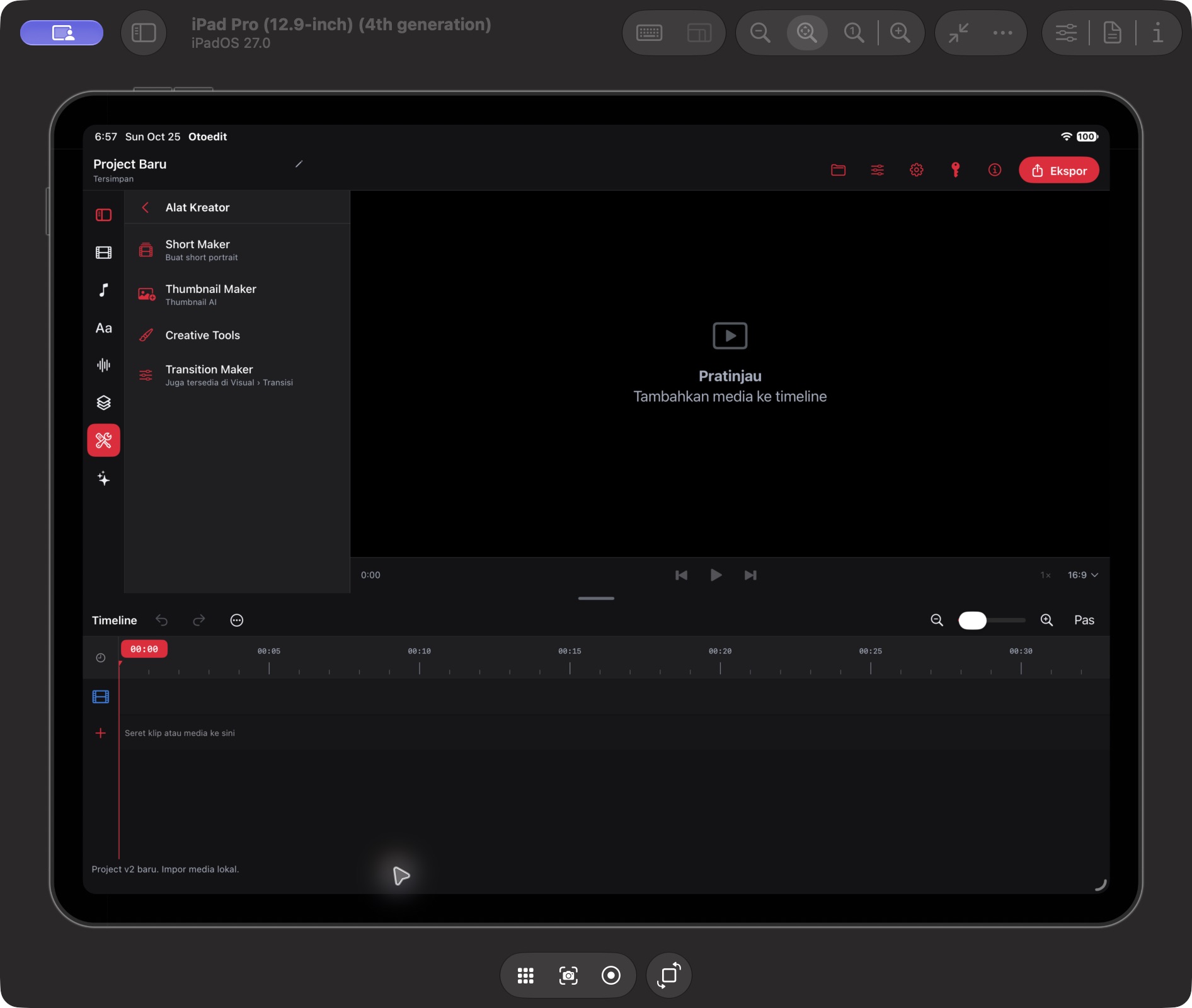
The category contains Short Maker, Thumbnail Maker, Creative Tools, and Transition Maker. Menu presence is verified; tool outputs were not tested.
Import and Export controls are visible. Screenshots show an empty project; this session did not test media import, playback, or exported files.
The integration handoff states that the catalog endpoint is not configured. The in-app cloud tutorial panel cannot yet be described as live.
Build 104 screenshots have been replaced. Build 138 captures do not use the old two-clip fixture. An empty-project placeholder is not evidence of a playback bug.
Explore Otoedit for macOS, including purchases, accounts, licenses, and downloads.
Explore the Mac version ↗